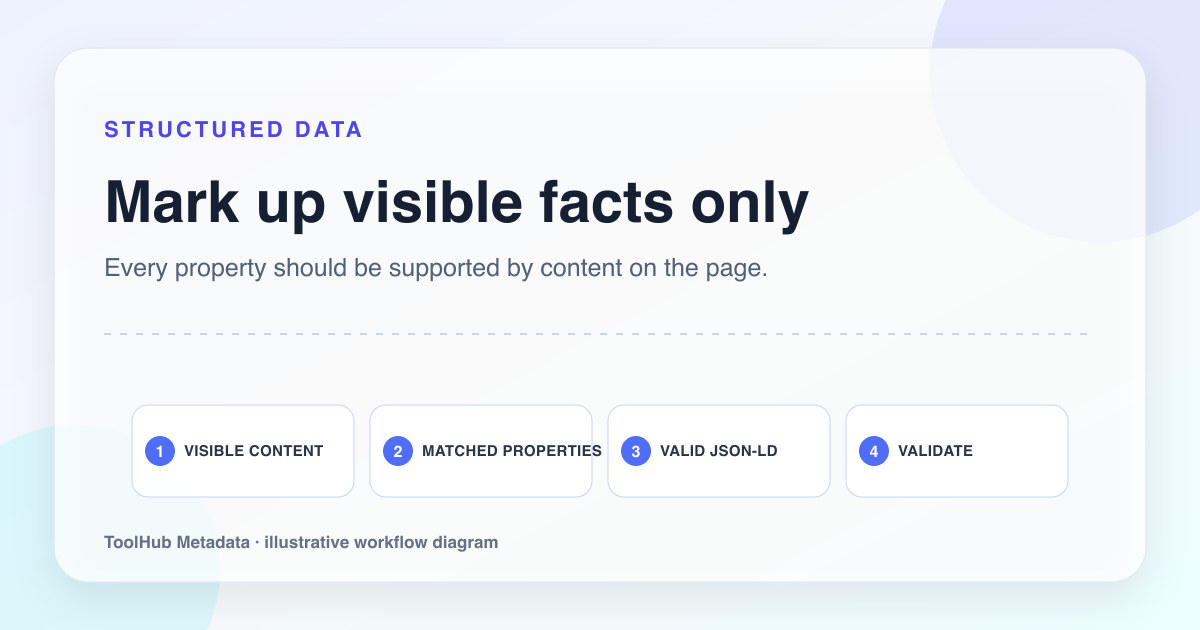
Structured data is useful when it describes what is genuinely on the page. It becomes risky when it is used to decorate thin content or claim things the user cannot verify. Search systems are explicit about this: markup should be representative, accurate, and supported by visible content.
For a site preparing to monetize public content, honest schema is a trust signal. It shows the publisher understands the difference between metadata and substance. A page does not become useful because it has JSON-LD. It becomes easier to understand when JSON-LD accurately summarizes already useful content.
Reproducible review note
How we checked this guide
- Evidence type
- Controlled teaching model · September 4, 2026
- Scope
- Structured-data examples and the representative guide JSON-LD in the local production build.
- Method
- We matched each proposed structured-data property to information a visitor could actually find in the worked example, removing ratings, prices, authors, and organization claims that were not visibly supported.
- What the check showed
- A smaller truthful graph was easier to maintain than a large template. WebPage, Article, Product, and LocalBusiness types were kept only where the example content justified them.
- Boundary
- Valid syntax does not guarantee a rich result. Eligibility also depends on content, technical access, search policies, and platform discretion.
Reviewed by ToolHub Metadata Editorial. The review date records a substantive content or verification change.
Key takeaways
- Choose schema based on the visible page type, not the rich result you want.
- Do not add FAQ, Review, Product, or Article fields unless the page genuinely supports them.
- Keep organization details consistent across About, Contact, and structured data.
- Validate JSON-LD after deployment and update it when page facts change.
Pick the narrowest accurate type
Many pages can technically fit broad schema types, but the best choice is the narrowest accurate description. A long guide with publication context can use Article. A browser tool can use WebApplication. A list of examples can use ItemList. A product page can use Product only when it has a real product, not a generic affiliate doorway.
Do not mark every content page as Article if there is no meaningful authorship, date, or editorial context. Do not use Organization on every page as a substitute for an About page. Structured data should clarify, not inflate.
- WebApplication: interactive tool with a clear function.
- Article: editorial content with headline, author or publisher, and date context.
- ItemList: curated list where each item is meaningful.
- BreadcrumbList: page hierarchy that matches visible navigation.
Map JSON-LD to visible evidence
A simple review method is to highlight every structured data claim and find the visible page evidence. If the JSON-LD says the page has an author, show authorship or publisher context. If it says the page is a product, show the product. If it says there is a FAQ, show the questions and answers. If a field cannot be supported, remove it.
This keeps markup honest and reduces maintenance risk. It also improves the page itself, because missing evidence in schema often reveals missing evidence in the content.
FAQ markup
Add FAQ schema with questions that are not visible on the page.
Render the FAQ visibly, answer each question directly, and generate FAQ schema from the same source content.
Avoid fake review and product signals
Review and product markup are tempting because they feel commercial. They are also easy to misuse. Do not add ratings, prices, availability, or reviews that are not visible and verifiable. Do not invent aggregate ratings for a service page. Do not mark a software list as Product when the page is really an editorial comparison.
When in doubt, use simpler markup. A clean Article with accurate publisher details is better than a bloated schema graph filled with unsupported fields.
Make validation part of publishing
Validation should happen after the page renders in production, not only in the local source file. Frameworks, escaping, hydration, and deployment steps can change how JSON-LD appears in the final HTML. Test the deployed URL and keep the schema close to the data that renders the visible content.
If the page changes, update the markup. Dates, titles, images, canonical URLs, and publisher details should not drift. Small inconsistencies make a site feel unattended.
Pre-publish checklist
- The schema type matches the visible page type.
- Every structured data claim is supported by visible content.
- No ratings, prices, reviews, or FAQ entries are invented for markup only.
- Canonical URL, image URL, title, and publication date match the rendered page.
- The deployed page validates without critical structured-data errors.