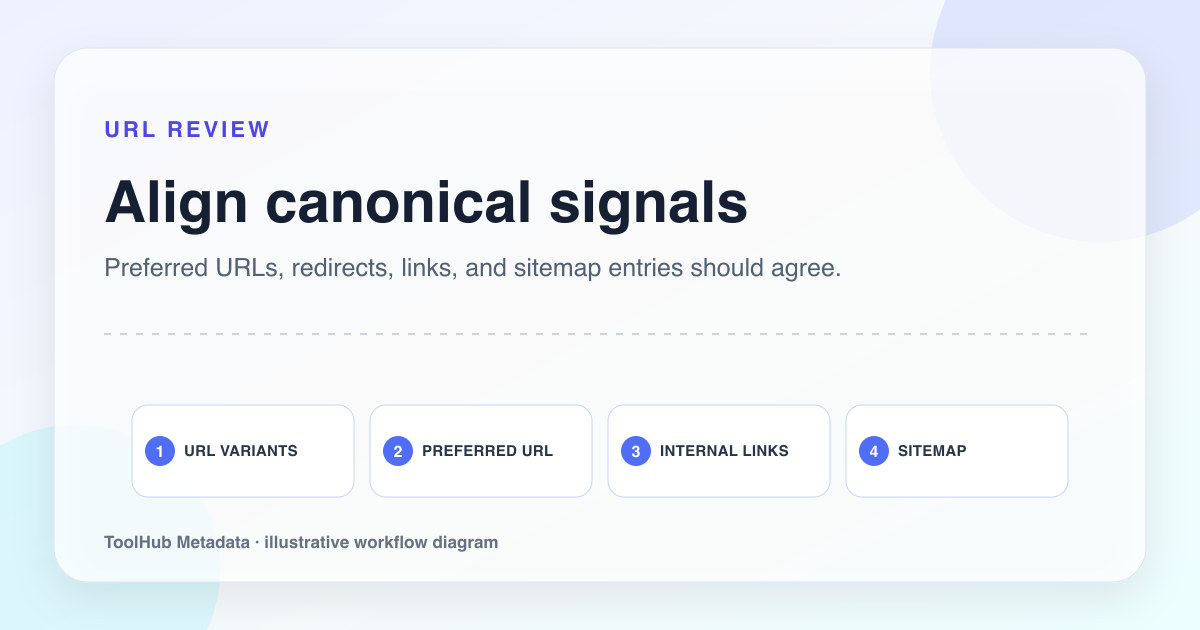
Canonical tags are easy to add and easy to misunderstand. A canonical is not a magic cleanup switch. It is a signal that helps search systems understand which URL should represent a set of duplicate or near-duplicate pages. If the page itself is thin, repetitive, or internally unsupported, a canonical tag will not turn it into a valuable page.
A good canonical audit asks a more basic question first: should this URL exist as an indexable page at all? That question is especially important for small sites with advertising or analytics enabled, because a site filled with thin variants can look like inventory built for placements rather than content built for users.
Reproducible review note
How we checked this guide
- Evidence type
- Production site audit · September 4, 2026
- Scope
- All 23 sitemap URLs plus live HTTP-to-HTTPS, www-to-apex, query cleanup, retired-route, and unknown-route responses.
- Method
- We fetched every sitemap URL and compared its final URL with the canonical. We separately tested protocol, host, query-string, retired-route, and nonexistent-route behavior.
- What the check showed
- The production crawl returned 23 successful canonical pages, permanent redirects to the preferred host and clean paths, and a true 404 for an unknown URL.
- Boundary
- A canonical tag is a signal, not a command. Server status, internal links, sitemap entries, and rendered content still need to agree.
Reviewed by ToolHub Metadata Editorial. The review date records a substantive content or verification change.
Key takeaways
- Use self-referencing canonicals on unique public pages.
- Point true duplicates to the preferred page, not automatically to the home page.
- Do not create indexable pages for every filter, tag, parameter, or city variation unless each has real value.
- Audit canonicals alongside internal links, status codes, and sitemap entries.
Classify the URL before choosing a canonical
Every URL belongs to one of four groups: unique page, duplicate variant, temporary campaign URL, or technical utility URL. Unique pages usually keep self-referencing canonicals. Duplicate variants point to the preferred equivalent. Campaign URLs should usually resolve or canonicalize cleanly to the canonical content. Utility URLs may need noindex, authentication, robots handling, or removal from public navigation.
The mistake is treating all uncertain URLs the same. Pointing everything to the home page creates a weak signal and makes the site harder to understand. If a product variant is meaningfully different, it may deserve its own page. If it only changes a tracking parameter, it should consolidate.
- Unique page: has its own purpose, copy, metadata, and internal links.
- Duplicate variant: same main content under another URL.
- Campaign URL: exists for attribution, not for indexing.
- Utility URL: search result pages, internal filters, previews, or account flows.
Check the canonical target
The canonical target should be the clean, indexable version of the page. It should return a 200 status code, use the final HTTPS URL, and not redirect through another URL. It should also be the page you actually link to internally and list in the sitemap.
If the canonical target redirects, 404s, or is blocked, the signal becomes noisy. If the sitemap lists one URL while the canonical points somewhere else, the site sends mixed signals. These contradictions are small individually, but together they can make a site look less maintained.
Product URL canonical
Every product page canonicalizes to https://example.com/
https://example.com/products/leather-laptop-sleeve-14-inch canonicalizes to itself, while tracking URLs point back to that product URL.
Use canonicals to support, not replace, editorial decisions
Canonical tags do not solve content overlap. If two articles answer the same question with different headings, one should probably be merged into the stronger article. If ten city pages only swap the city name, they need real local proof or they should not be indexable. Canonicalization is the technical expression of an editorial decision, not a substitute for it.
Before publishing, ask whether the URL gives a reader something they could not get from another page on the same site. If the answer is no, decide whether to merge, redirect, noindex, or improve the page before it enters the sitemap.
Build a publishing audit habit
For small sites, a manual checklist is enough. Before submitting important URLs to search engines or promoting a site refresh, open each sitemap URL and check status, canonical, title, description, H1, visible content, and internal links. Record the result. This is not busywork; it prevents weak pages from becoming a pattern.
For larger sites, automate the crawl. But even then, the final decision remains editorial. The tool can tell you that two pages have similar titles. A human needs to decide whether the overlap is justified.
Pre-publish checklist
- Every sitemap URL returns 200 and has a self-referencing canonical unless there is a clear reason not to.
- Canonical targets are HTTPS, final, indexable, and internally linked.
- No public page canonicalizes to the home page simply because the correct target is unknown.
- Parameter URLs and campaign URLs consolidate to clean URLs.
- Near-duplicate pages are merged, improved, or intentionally excluded before publication.