SaaS metadata often tries to sound bigger than the product. It says all-in-one platform, AI-powered workspace, or modern solution, but it does not name the actual category or user. The result is a snippet that looks polished and says very little.
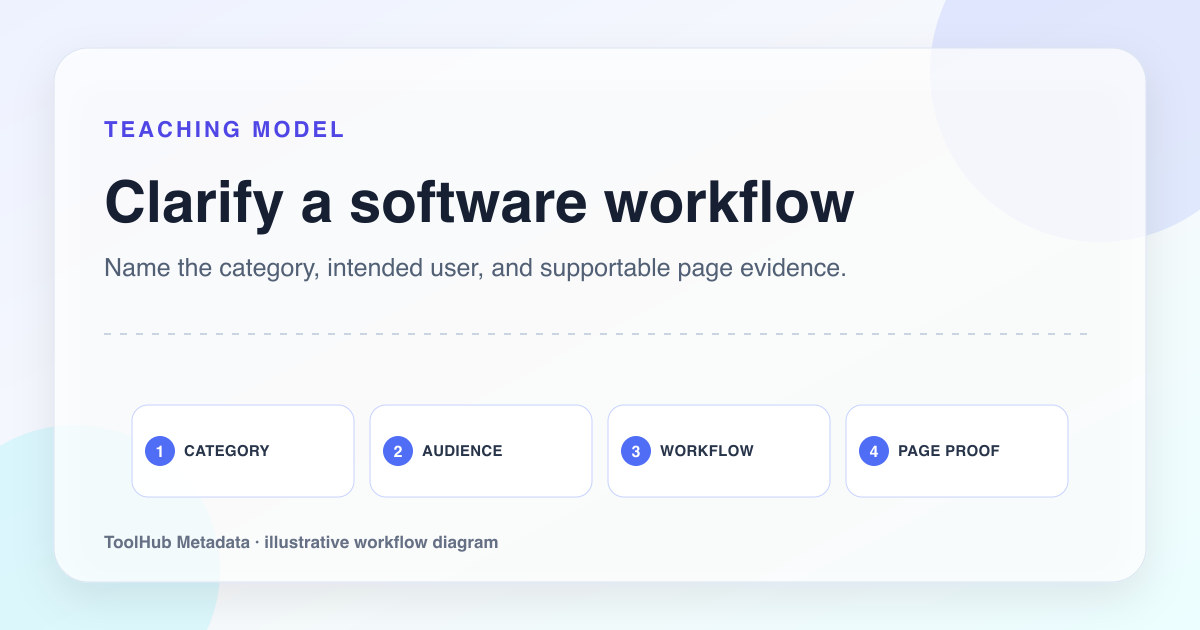
Useful SaaS metadata does three things quickly: names the category, qualifies the audience, and previews the outcome or proof. The title helps the right buyer recognize the page. The description explains what the product helps them do and why the page is worth opening.
Reproducible review note
How we checked this guide
- Evidence type
- Controlled teaching model · September 4, 2026
- Scope
- One explicitly fictional software scenario; no conversion, traffic, or ranking outcome was tested.
- Method
- We reduced the SaaS example to product category, intended user, primary job, and one supportable differentiator, then compared the metadata with the hero copy and call to action.
- What the check showed
- The title and description became more credible when they named a specific workflow instead of stacking broad claims such as “all-in-one” and “best”.
- Boundary
- Metadata cannot repair an unclear offer or weak product evidence. Conversion and ranking outcomes require testing outside this illustrative example.
Reviewed by ToolHub Metadata Editorial. The review date records a substantive content or verification change.
Key takeaways
- Lead with a recognizable product category before branded language.
- Add the audience or use case when the product is not for everyone.
- Use proof from the page: workflow, integrations, screenshots, pricing, or comparison detail.
- Avoid claiming best, complete, or all-in-one unless the page proves scope.
Name the category plainly
A founder may think the product is a new category, but users usually search with familiar language. Project management software, appointment scheduling tool, SOC 2 evidence platform, invoice automation software: these labels help people and search systems understand the page.
The brand can appear at the end of the title. It should not replace the category unless the brand already has demand. A small or new SaaS site needs clarity more than cleverness.
Project management SaaS
Flowpilot | The Modern Way Teams Work
Project Management Software for Small Teams | Flowpilot
Qualify the audience
Most SaaS products are better for some teams than others. Metadata should say that. Small teams, agencies, finance teams, Shopify merchants, remote design teams, school administrators, and solo consultants all imply different workflows and proof needs.
Audience qualifiers prevent vague clicks. They also help the page avoid competing with every broad category page on the web. A focused product page can be more useful than a generic page that tries to address every buyer.
- Use company size when it changes the workflow.
- Use role or department when the buyer has specific language.
- Use platform compatibility when it is a deciding factor.
- Use industry only when the page includes industry-specific proof.
Preview product proof
A SaaS description should not be a slogan. It should preview product proof: planning boards, automated approvals, API sync, templates, reports, onboarding steps, integrations, or pricing model. These details help the user understand what they will see after the click.
If the landing page contains screenshots, mention the workflow. If it contains pricing, mention transparent plans. If it contains a comparison, mention the criteria. The description should point to visible substance.
Use WebApplication schema accurately
A SaaS product page can often use SoftwareApplication or WebApplication structured data, but the fields should be accurate. Name, application category, operating system, URL, offers, and aggregate ratings should be supported by the page. If the product has no public pricing, do not invent an offer. If ratings are not visible, do not mark them up.
For early products, simple accurate schema is enough. Over-markup can look like an attempt to manufacture trust.
Pre-publish checklist
- The title includes a recognizable software category.
- The audience or use case is clear when relevant.
- The description previews a real workflow, proof element, or decision detail.
- Claims such as all-in-one or best are supported or removed.
- Structured data describes the actual product page and visible facts.