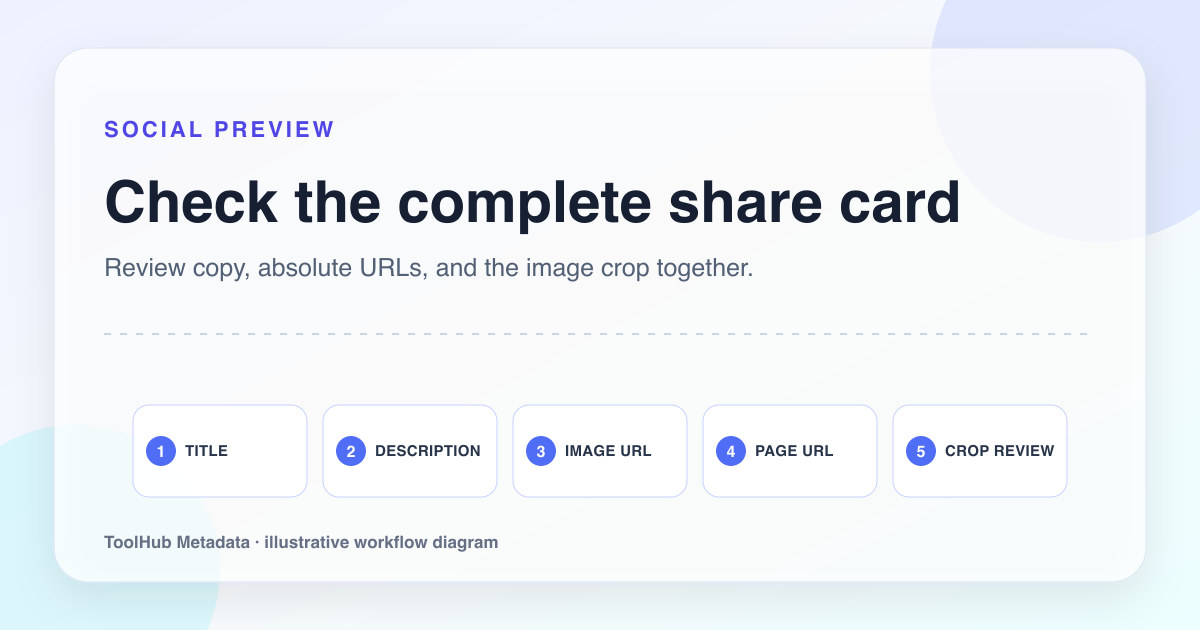
Open Graph tags are often treated as decoration, but they are part of the page promise. When someone shares a URL in a chat, feed, or workspace, the preview becomes the first impression. A broken image, vague title, or generic description can make a good page look unfinished.
For review-heavy sites, Open Graph quality also shows maintenance discipline. A site that uses a real local image, accurate alt text, and page-specific copy looks more trustworthy than a site where every page shares the same generic social card.
Reproducible review note
How we checked this guide
- Evidence type
- Controlled teaching model · September 4, 2026
- Scope
- Four fictional page types and the local production build; social-platform cache behavior was not tested.
- Method
- We compared the Open Graph fields generated for four page types and reviewed image URL, title, description, type, and canonical consistency as one share-preview package.
- What the check showed
- The most common breakpoints were relative image URLs, copy that did not match the page, and reused images with no page-specific context.
- Boundary
- Social platforms cache previews and may crop or override fields. Use each platform’s debugger after publishing when the final appearance matters.
Reviewed by ToolHub Metadata Editorial. The review date records a substantive content or verification change.
Key takeaways
- Use local, stable image URLs instead of hotlinking remote images.
- Make the OG title and description consistent with the visible page promise.
- Avoid using one site-wide image when the page topic needs context.
- Test social previews after deployment, not only in local development.
Choose an image that explains the page
A useful Open Graph image does not need to be flashy. It needs to make the page recognizable. For a tool page, a screenshot of the actual workflow is stronger than an abstract gradient. For a guide, a simple diagram can be better than a stock office image. For a product page, show the product clearly and avoid heavy overlays.
Images should be stored locally or in a controlled asset pipeline. Hotlinking remote images creates reliability and rights problems. If the remote image disappears, changes, blocks crawlers, or loads slowly, the preview suffers.
- Use a 1200 by 630 image when possible.
- Compress the file and serve it from your own domain.
- Keep text large enough to read in a small preview.
- Use descriptive alt text for the image field when supported.
Keep the URL and canonical story aligned
The OG URL should normally match the canonical URL. If a visitor shares a tracking URL, the preview should still represent the clean page. When the canonical, OG URL, and visible page disagree, social systems and crawlers have to guess which URL is authoritative.
This is a small technical detail with a large trust effect. Reviewers and users both notice when previews point to old domains, staging paths, missing images, or placeholder URLs.
Test after publishing
Social previews are cached. A page can be technically fixed and still show old data until a platform refreshes its cache. After deployment, test the live URL with platform preview tools or by sharing privately in the target environment. Confirm image loading, title length, description clarity, and URL display.
Keep a short launch record for important pages: date published, OG image path, canonical URL, and last preview test. That record makes future audits faster and shows the site is maintained intentionally.
Pre-publish checklist
- The OG image is hosted on the same domain or a controlled CDN.
- The OG title is page-specific and does not copy the home page.
- The OG description previews a concrete reason to click.
- The OG URL and canonical URL agree.
- The live preview was tested after deployment.