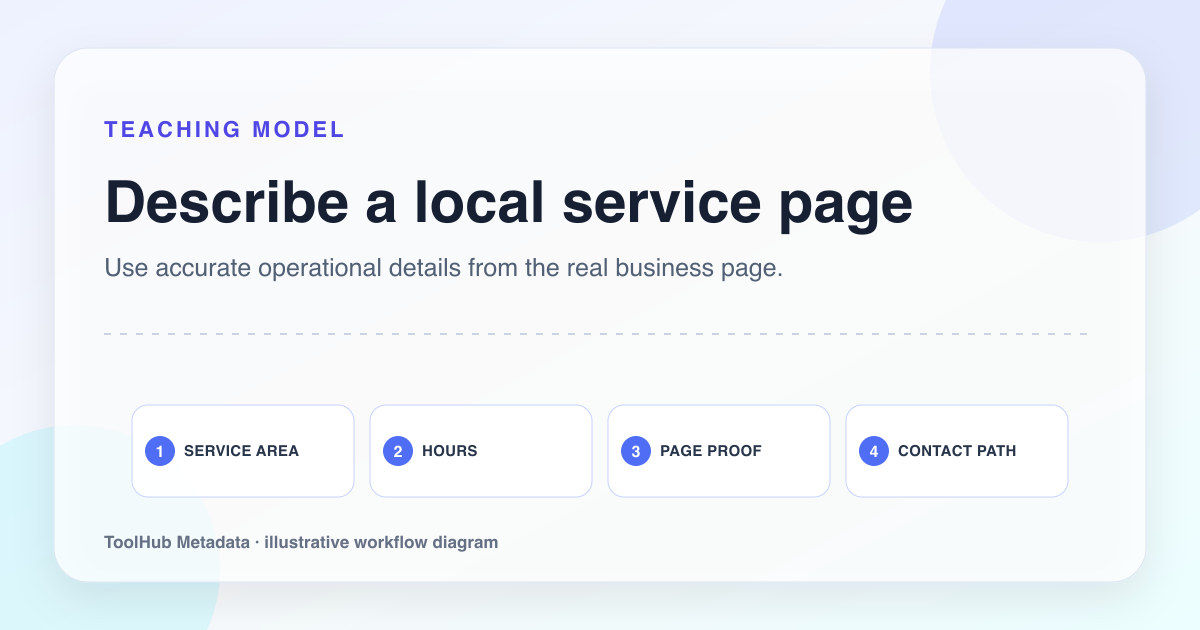
Local service metadata is easy to abuse. A site can create dozens of pages that only swap city names while keeping the same title, description, headings, and claims. That pattern may create more URLs, but it usually creates less trust.
A strong local page proves that the business understands the service in that location. Metadata should preview that proof. It should name the service, the area, the practical need, and the evidence the page provides. If the visible page cannot support those details, the title and description should not claim them.
Reproducible review note
How we checked this guide
- Evidence type
- Controlled teaching model · September 4, 2026
- Scope
- One explicitly fictional local-service scenario; it is not a client result or ranking case study.
- Method
- We reviewed the local-service example for service, location, availability, proof, canonical URL, and visible contact details, then removed claims that were not demonstrated in the fictional scenario.
- What the check showed
- Service plus location identified the page more clearly than repeating city variants. Operational details belonged in visible content before they appeared in metadata.
- Boundary
- The example is fictional and does not establish local ranking performance. Real businesses must use accurate service areas, hours, reviews, and contact details.
Reviewed by ToolHub Metadata Editorial. The review date records a substantive content or verification change.
Key takeaways
- Use service plus location only when the page contains real local service detail.
- Add one practical qualifier such as emergency, residential, commercial, same-day, or insured.
- Avoid publishing location pages that only replace the city name.
- Connect metadata to visible proof: service area, photos, reviews, process, or local constraints.
Make the service and geography precise
The title should identify the service and the service area without overreaching. If the business serves Austin but not the full metro area, do not claim the full metro. If the page is about emergency repair, do not use a broad services title. Precision earns better clicks and reduces disappointment.
The meta description should explain what the visitor can do next. It might mention appointment availability, service categories, coverage boundaries, or the information needed for a quote. Avoid generic trust phrases unless the page includes evidence.
Emergency repair page
Best Plumbing Company Near You | Trusted Local Plumbers
Emergency Plumber in Austin, TX | Burst Pipes, Leaks, and Drain Help
Add local proof before adding local pages
A local page needs more than a location word. It should include real coverage details, service constraints, testimonials or reviews when available, project examples, photos, parking or access notes, response expectations, and a contact path. The more competitive the location, the more proof the page needs.
For any small publisher site, this same principle matters even if the site is not a local business. Pages that exist only as keyword variants can look weak. Pages with evidence, specificity, and useful next steps look like maintained content.
- List neighborhoods or service boundaries only when accurate.
- Explain what the first call or appointment requires.
- Show service examples that match the location.
- Avoid using identical paragraphs across every city page.
Use schema cautiously
LocalBusiness schema should match real business details. Do not use it for a generic lead-gen page that does not represent a real local entity. Name, address, phone, hours, and service area should be consistent with the visible page and other owned profiles.
If a page is a guide about local SEO rather than an actual local business page, Article or HowTo-style content may be more accurate than LocalBusiness markup. The schema should describe the page, not the keyword target.
Review internal links by geography
Local pages should not be orphaned. Link them from the relevant service page, location hub, or contact path. Anchor text should be natural: emergency plumbing in Austin, AC repair in North Dallas, roof inspection in Mesa. Do not create a footer block with dozens of city links if the pages are thin.
Internal links tell crawlers and users which pages matter. If a location page is important enough to index, it is important enough to support with clear navigation.
Pre-publish checklist
- The title includes service and location only when the visible page supports both.
- The description previews a real service detail or next step.
- The page contains local proof beyond city-name swaps.
- LocalBusiness schema, if used, matches visible entity details.
- Location pages are internally linked from relevant hubs or service pages.