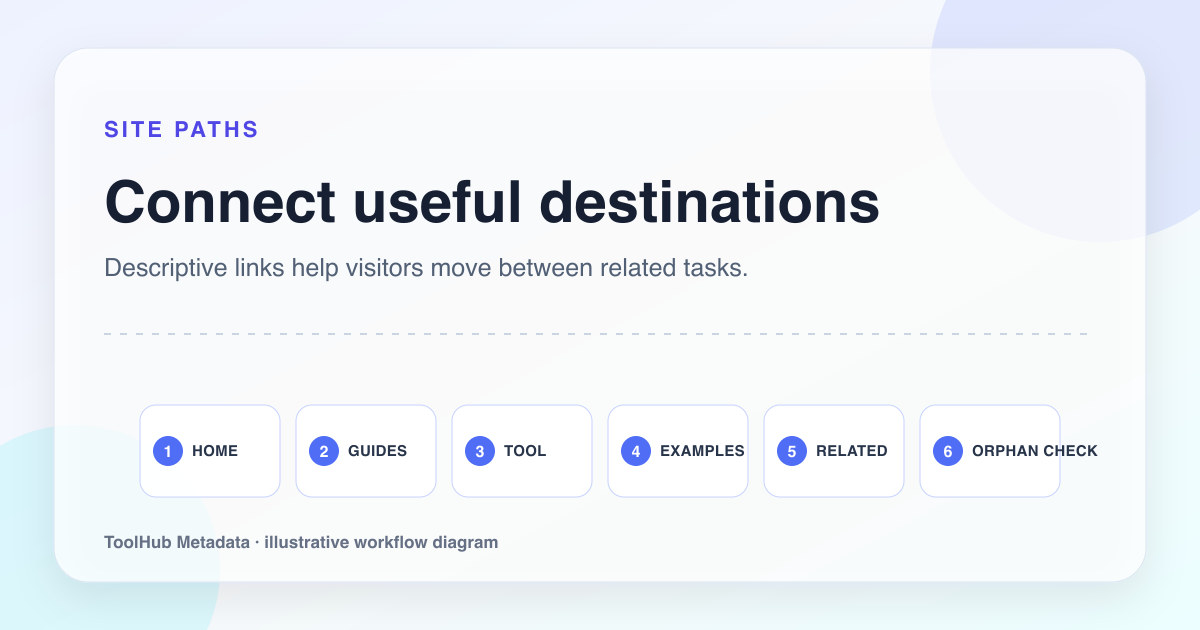
Small tool sites often have a strong core feature and weak surrounding architecture. The tool works, but the content pages feel disconnected. Guides do not link to examples. Examples do not link back to the generator. Policy pages are present but isolated. The site looks smaller than it is because the internal link graph does not explain the relationship between pages.
Internal links are not only SEO plumbing. They are product guidance. They show a visitor where to go next and show crawlers which pages belong together.
Reproducible review note
How we checked this guide
- Evidence type
- Production site audit · September 4, 2026
- Scope
- Homepage, generator, guide library, 14 guide pages, worked examples, and trust/navigation destinations.
- Method
- We traced the paths from homepage to generator, guide library, worked examples, individual guides, policies, and related guides, recording whether each link gave a clear reason to continue.
- What the check showed
- Task-based anchor text made the paths understandable without relying on repeated keyword links, and related guides reduced dead ends after long-form articles.
- Boundary
- This is a small-site navigation model. Large taxonomies and faceted sites need crawl-budget and information-architecture analysis beyond this guide.
Reviewed by ToolHub Metadata Editorial. The review date records a substantive content or verification change.
Key takeaways
- Link from the tool to relevant guides and examples at natural decision points.
- Link from guides to the generator when the reader can apply the method.
- Use descriptive anchor text that names the destination task.
- Avoid footer-only linking for important content.
Build hub and spoke paths
A tool site can use a simple architecture: home, generator, guide library, examples, trust pages, and policy pages. The home page explains the value. The generator solves the task. The guide library teaches decisions. The examples show patterns. The trust pages explain operation and accountability.
Each page should link to the next useful step. A title tag article should link to the generator and to examples. A canonical article should link to the technical checklist. A content inventory article should link to the editorial policy and privacy page.
- Home links to generator, guide library, examples, and About.
- Generator links to relevant guides near validation and output sections.
- Guides link to examples and tool actions.
- Policy pages link back to contact and editorial standards.
Use anchors that describe tasks
Anchor text should help the user predict the destination. "Read the canonical audit workflow" is better than "click here". "Open the meta tag generator" is better than "tool". Descriptive anchors also help search systems understand how pages relate.
Do not over-optimize anchors by repeating the exact same phrase everywhere. Natural variation is healthier and more readable.
Guide-to-tool link
Click here
Draft the title and description in the meta tag generator
Find orphan content
A page in the sitemap should be reachable through meaningful internal navigation. If the only path is the sitemap, the page is effectively orphaned. Orphan pages can still be crawled, but they feel less important and are easier to overlook during review.
Review the site manually: start at the home page, navigate to the tool, guides, examples, About, Contact, and policies. If an important article cannot be reached naturally, add links where the reader would actually need it.
Keep legal and editorial pages visible
Trust pages should not hide. About, Contact, Privacy, Cookies, Terms, and Editorial Policy pages should be available from the footer. They do not need to dominate the experience, but they should be easy to find. This is practical for users and helpful for review.
When tracking or advertising implementation changes, update these pages and keep internal links consistent. A trust page that contradicts implementation weakens the whole site.
Pre-publish checklist
- Every important guide is linked from the guide index and at least one contextual page.
- The generator links to educational content without interrupting the tool workflow.
- Anchor text names the destination task or topic.
- No important sitemap URL is reachable only through the sitemap.
- Trust and policy pages remain visible from the footer.