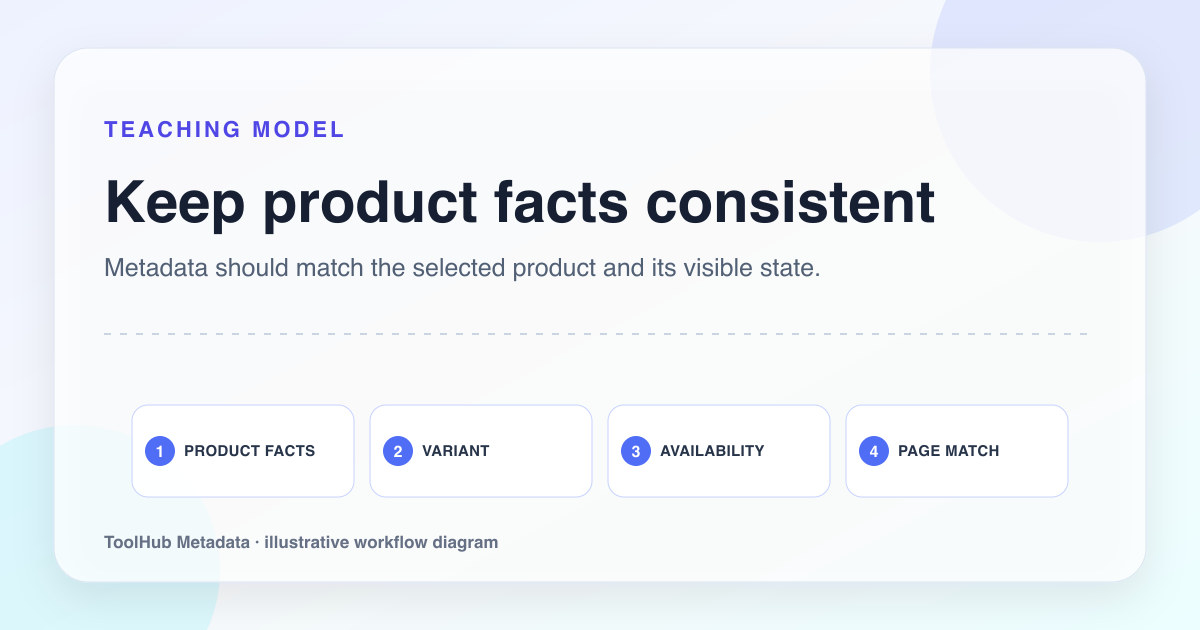
Product metadata has to do more than name the item. It should help the buyer quickly understand whether the page matches their need. The deciding detail might be size, material, compatibility, use case, color, warranty, shipping promise, or audience.
Weak product metadata often copies the product name from the catalog and adds a brand. That creates thin snippets, duplicate titles, and poor social previews. Strong metadata translates product facts into shopping context without stuffing every specification into the title.
Reproducible review note
How we checked this guide
- Evidence type
- Controlled teaching model · September 4, 2026
- Scope
- One explicitly fictional product scenario; no merchant feed or commercial result was tested.
- Method
- We checked the product example for name, variant, price, availability, image, canonical URL, and structured data, treating every field as a claim that must match the product page.
- What the check showed
- Variant and availability mismatches were more damaging than missing promotional language because they could send a visitor to the wrong product state.
- Boundary
- The example does not cover feeds, merchant-center rules, tax, shipping, or variant architecture. Those systems need separate validation.
Reviewed by ToolHub Metadata Editorial. The review date records a substantive content or verification change.
Key takeaways
- Lead with the product identity, then add the most useful deciding attribute.
- Use descriptions to explain benefits and constraints, not only features.
- Keep variant, filter, and canonical decisions consistent.
- Use Product schema only when price, availability, and product facts are visible and accurate.
Choose the buyer decision detail
Every product page has many facts, but only a few belong in metadata. Choose the fact that helps the buyer decide before clicking. For clothing, that may be material or fit. For electronics, compatibility may matter most. For furniture, dimensions and room use may matter. For software, platform and use case are often more useful than a generic feature list.
The title should not become a spec sheet. Put one or two high-value attributes in the title, then let the description carry supporting details.
Laptop sleeve product page
Alder Goods Laptop Sleeve | Buy Online
Leather Laptop Sleeve 14 Inch | Padded Travel Case | Alder Goods
Handle variants deliberately
Variant logic can create duplicate content quickly. If color variants have the same content and buying decision, canonicalize or consolidate them. If size, compatibility, or model variants have distinct search demand and useful content, they may deserve indexable URLs with unique metadata.
The decision should match the shopping experience. A buyer searching for a 14 inch sleeve may need a different page than a buyer searching for a 16 inch sleeve. A buyer searching for a red version of the same generic item may not need a separate indexable page.
- Index variants only when they serve distinct demand or decision needs.
- Do not let faceted filters create unlimited indexable URLs.
- Keep canonical targets stable across tracking and sorting parameters.
- Use internal links for important variants, not only JavaScript filters.
Write descriptions that reduce returns
A good product description snippet should set expectations. It can mention fit, material, compatibility, included items, or shipping context. This is not only SEO; it reduces poor-fit clicks and avoidable returns.
Avoid descriptions that say premium, stylish, high quality, and perfect without explaining why. Specifics are more credible than adjectives. If the product is water resistant, say the level if available. If it fits a model, name the model. If the color varies by screen, say so on the page.
Keep schema synchronized with commerce data
Product schema is powerful but sensitive. Price, currency, availability, condition, SKU, brand, and image should match the visible page and current inventory. If inventory changes frequently, schema should be generated from the same source of truth as the product page.
Do not add ratings unless ratings are visible and genuine. Do not add fake offers to make a page eligible for rich results. Bad commerce markup can damage trust faster than missing markup.
Pre-publish checklist
- The title includes product name and one meaningful deciding attribute.
- The description explains benefit, fit, or constraint in concrete terms.
- Variant URLs are canonicalized or indexed intentionally.
- Product schema matches visible price, availability, brand, SKU, and images.
- Social preview images show the actual product clearly.